For faceless channelsFor faceless channels and people who hate editing
Post every day.Film nothing.
One sentence in. A finished short out, posted for you on your schedule.One sentence in. Script, voice, scenes, captions and music out, posted to TikTok, YouTube, Instagram, Facebook and X on your schedule.
1,317 posts sent through VidPost so far, none uploaded by hand..
Every video here started as one line of text
We made these in VidPost, in niches that have nothing to do with each other. The line on each card is the idea it was made from.
Tap any video to watch it with sound
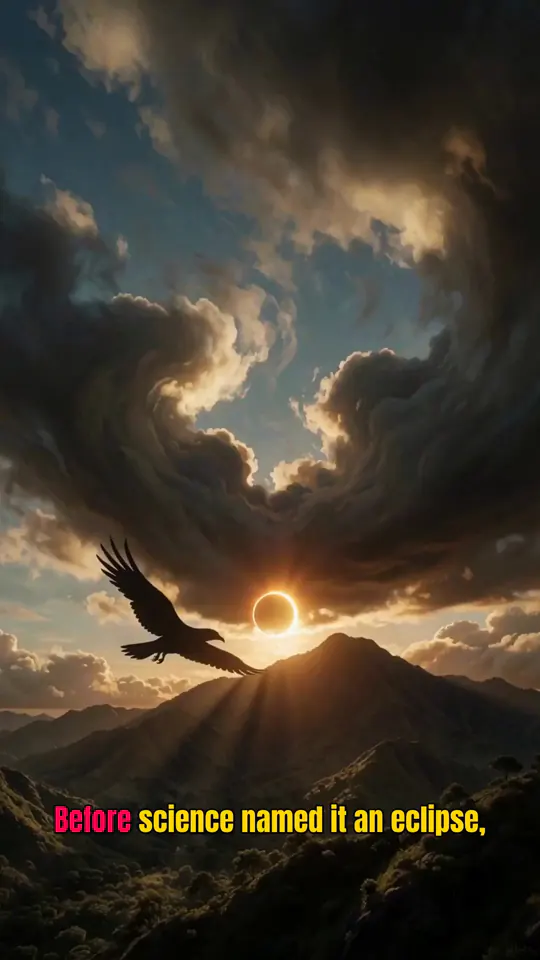
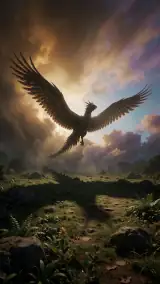
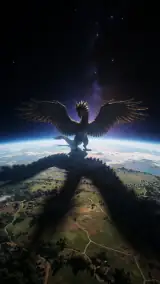
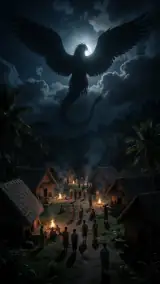
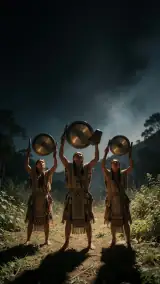
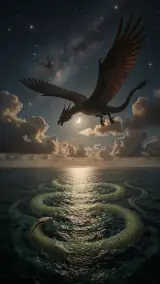
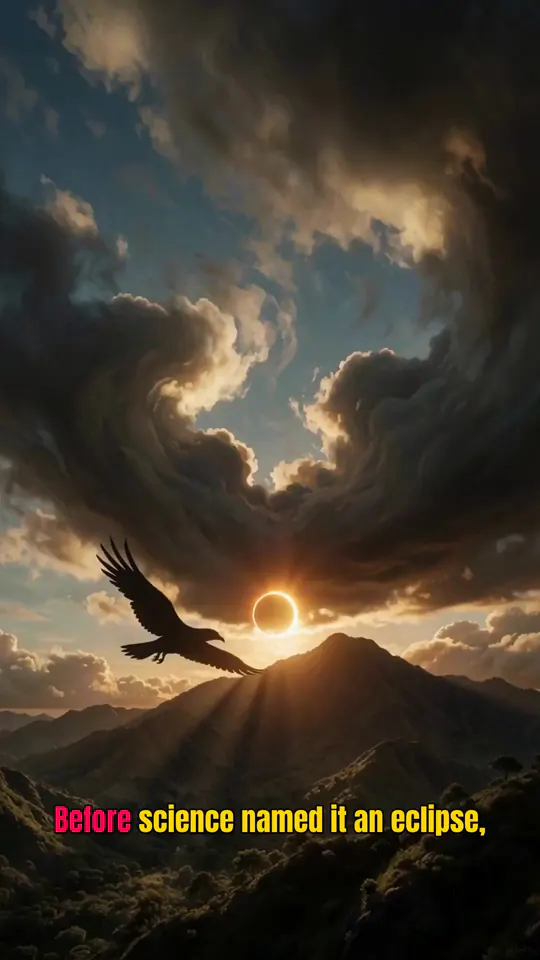
Idea“The Bird Bigger Than an Island That Tried to Swallow the Sun in Mindanao Legend”
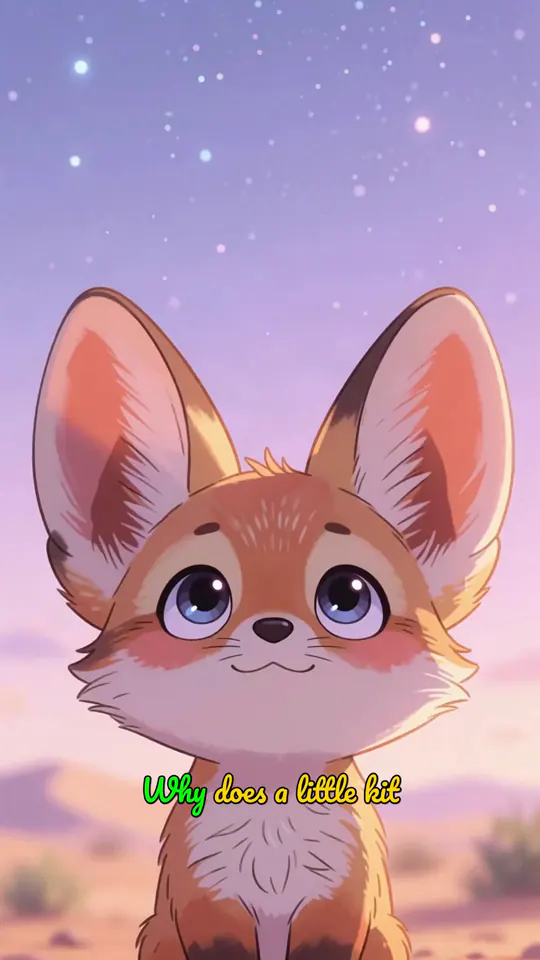
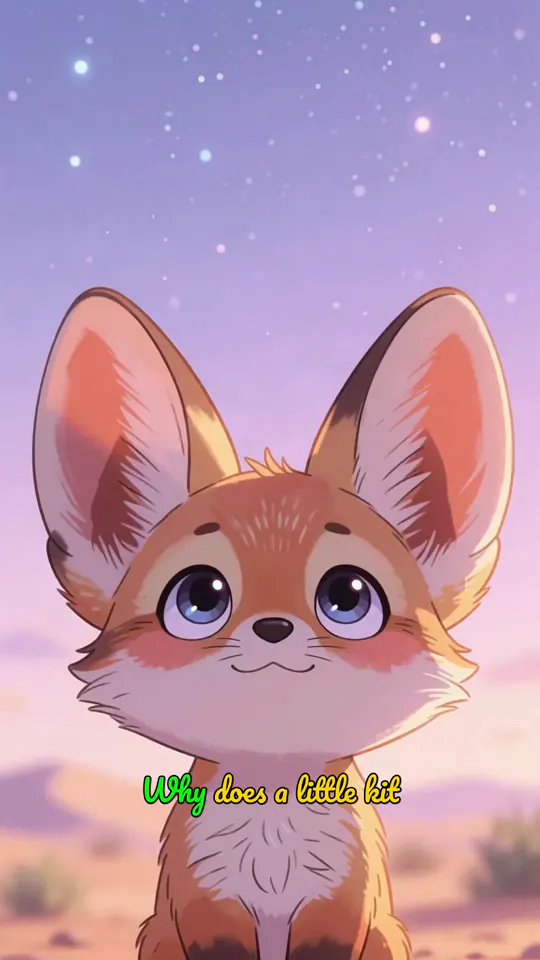
Idea“The Kit Fox Pup Who Was Afraid of the Dark Desert”
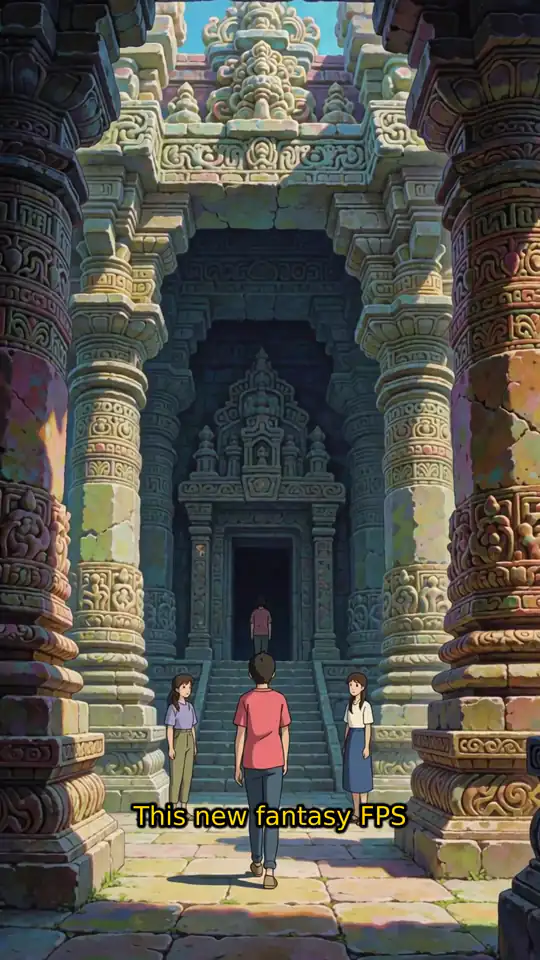
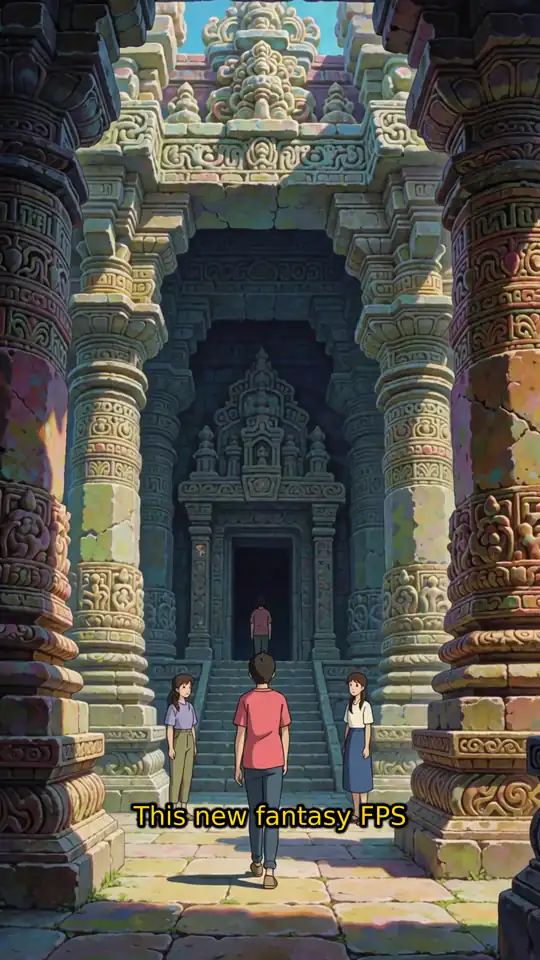
Idea“Create a video about a fictional new first-person game. No guns, make it fantasy”
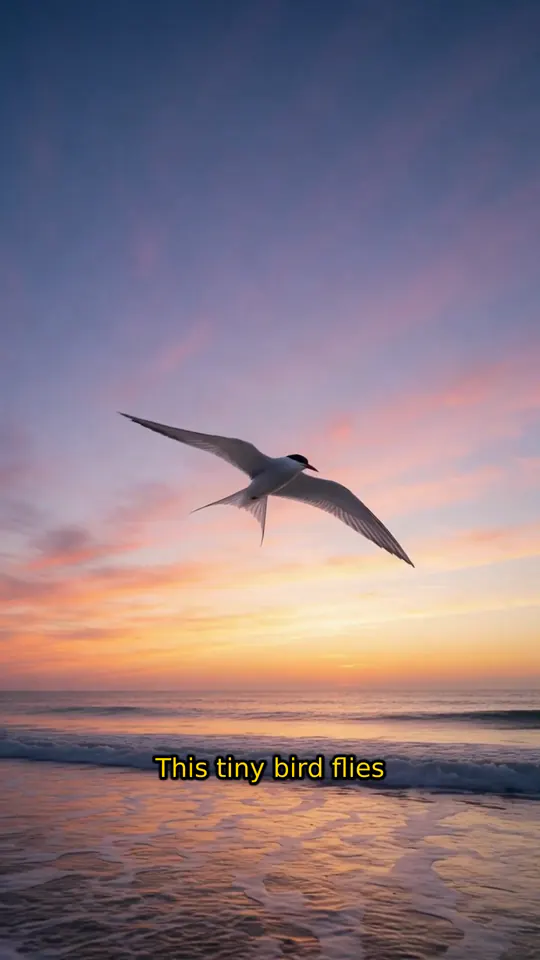
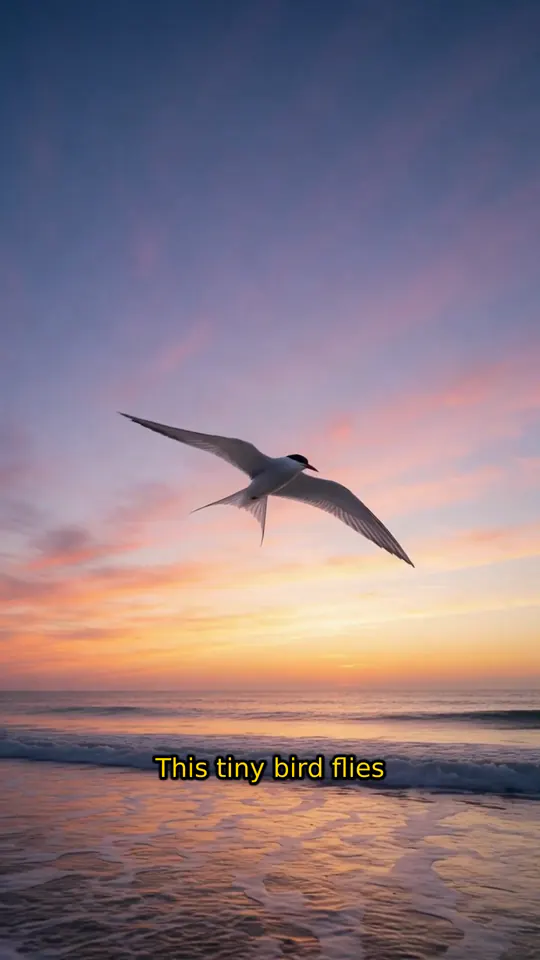
Idea“This tiny bird flies the longest journey on Earth”
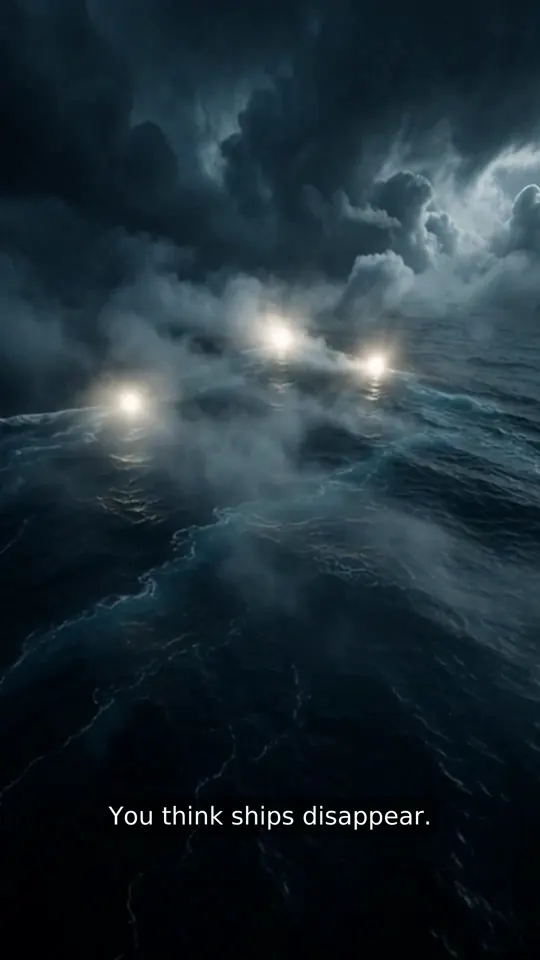
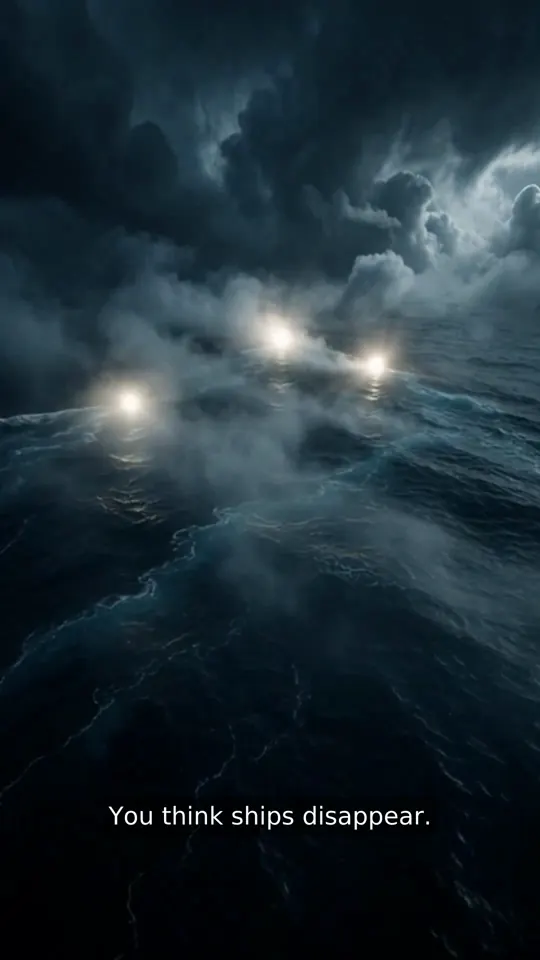
Idea“The Mystery of the Bermuda Triangle”
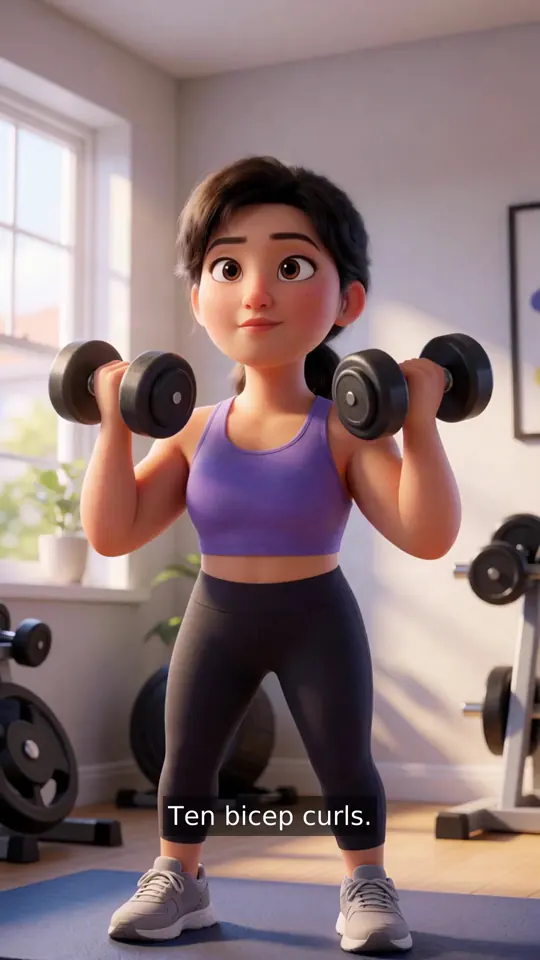
Idea“Create a fast-paced workout routine educational video.”
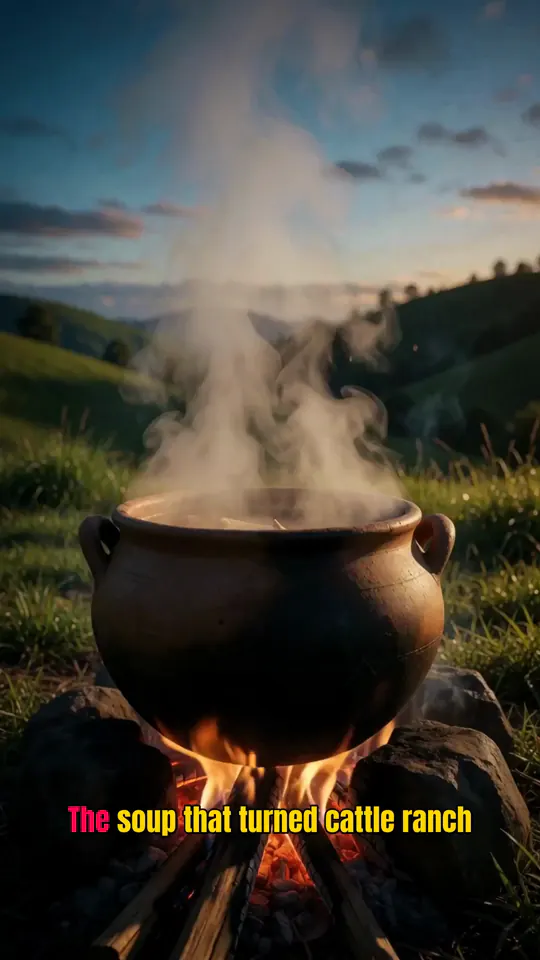
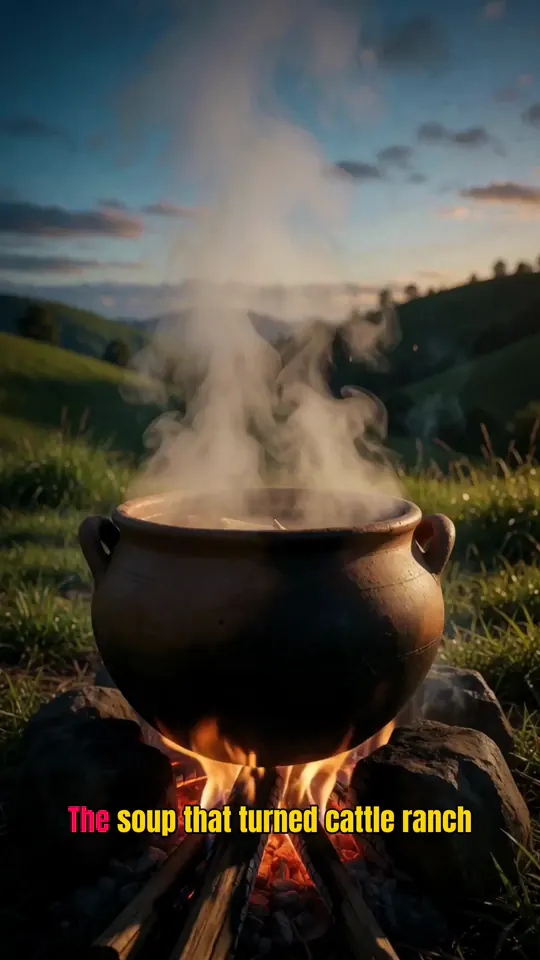
Idea“The Batangas Cattle Ranch Soup That Became the Ultimate Filipino Comfort Food”

Idea“How Caffeine Actually Works in Your Body”
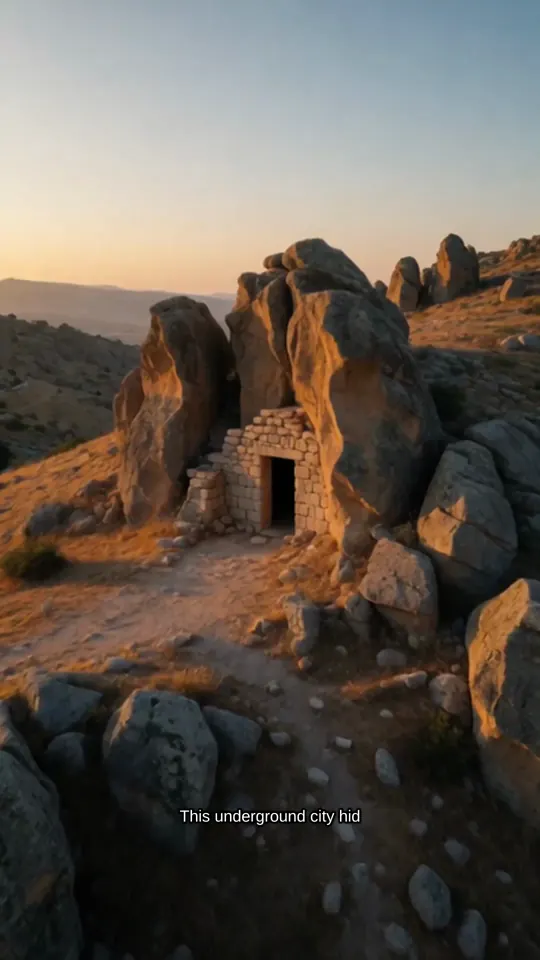
Idea“Derinkuyu, the ancient 18-story underground city in Turkey that hid 20,000 people”
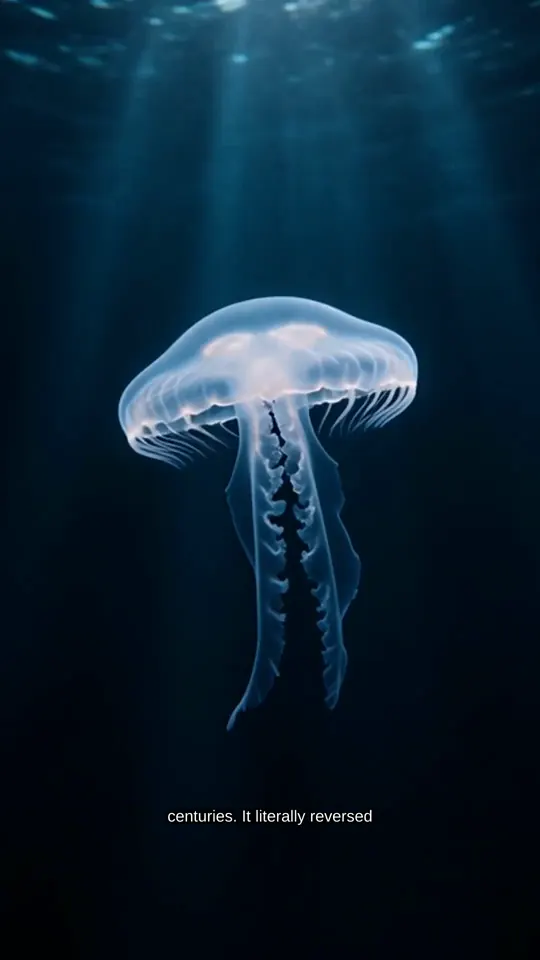
Idea“The immortal jellyfish Turritopsis dohrnii and how it reverses its own aging”
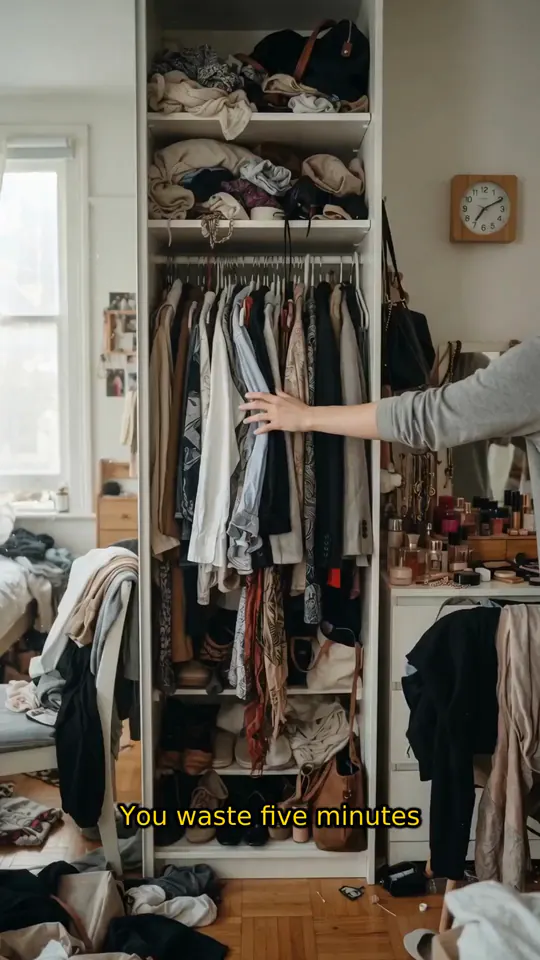
Idea“The 'decision stack' method that eliminates clothing choice paralysis”
What happens after you hit enter
VidPost does the jobs an editor would, in the same order, and hands you a timeline you can change before anything posts.
15 to 90 sec
Script
Written to the length you pick, with three different openings to choose from.
100+ voices
Voice
You preview voices and pick one. Premium voices take direction on accent, delivery and pace.
22 styles
Scenes
An image for every beat in the style you choose, and any scene can be animated.
Word by word
Captions
Timed to the word and burned into the video, in any of 30 fonts.
Made per video
Music
Switch it on and VidPost makes a new track for the video and mixes it under the voice. Or upload your own.
5 platforms
Posting
It goes out to the accounts you picked, on the days and times you set.


Pick a topic and a schedule, and the episodes keep coming
A Series is a topic, a posting schedule and the accounts to post to. Before each slot, VidPost writes and makes a new episode, then posts it on time.
1,317
Live
Posts sent through VidPost so far
1,168 of them came straight from Series episodes.
- Start from one of 41 ready-made topics, or build your own from a short questionnaire.
- Have a course, a brand guide or notes? Upload it and VidPost fills in the questionnaire for you, then builds the episodes from it.
- Ready-made topics can mix in what's trending in the niche. Trends refresh about once a day.
- Add a first comment under every episode on YouTube, Instagram, Facebook and X.
Approval
Rather see each one first? Turn on approval and nothing posts until you say so. Even with approval off, an episode the quality check flags waits for you.
Don't like a scene? Redo just that scene.
Every video opens in a timeline editor. You decide how it looks and sounds, down to a single line of narration.
Good, Better or Best
Set the image and animation quality per video. Better and Best are higher quality and cost more credits.
Hear it before you pick
Preview any of 100+ voices. Premium voices on paid plans take direction: 35 accents, 24 delivery styles and 9 paces.
Captions your way
30 fonts, six presets, one to five words on screen at a time, and a highlight that follows the voice.
Pick the look
22 built-in image styles, including realistic, cinematic, anime, watercolor, pixel art and claymation. Or build a custom style of your own.
Set the length
Anywhere from 15 to 90 seconds. The script is written to fit.
Fix one piece
Regenerate a single image, re-record one line, or drop in your own photo or clip. Everything else stays put.

See all six controls
Captions your way
30 fonts, six presets, one to five words on screen at a time, and a highlight that follows the voice.
Pick the look
22 built-in image styles, including realistic, cinematic, anime, watercolor, pixel art and claymation. Or build a custom style of your own.
Set the length
Anywhere from 15 to 90 seconds. The script is written to fit.
Your first video is free
The free plan gets you 1 complete video at 720p with a small watermark, and we don't ask for a card.
Plans start at $19 a month for 12 videos. At $39, Growth gives you 30 a month, about one a day.
FreeStart here
$0
- VideosVideos
- 1 one time
- SeriesSeries on autopilot
- None
- ExportExport
- 720p · watermark
Starter
$19/mo
billed monthly
- VideosVideos
- 12 a month
- SeriesSeries on autopilot
- 1
- ExportExport
- 1080p
Growth
$39/mo
billed monthly
- VideosVideos
- 30 a month
- SeriesSeries on autopilot
- 3
- ExportExport
- 1080p
Scale
$99/mo
billed monthly
- VideosVideos
- 70 a month
- SeriesSeries on autopilot
- 10
- ExportExport
- 1080p
Paying yearly? 2 months are free.
Fair questions
Still unsure? Email us
What do I get for free?
Your first video, start to finish, with up to 6 scenes. It uses the Good quality tier and the standard voices, exports at 720p with a small VidPost watermark, and the file is yours to download. You won't need a card. Auto-posting and Series start on the Starter plan.
Will it sound like a robot?
Listen first and decide. There are over 100 voices, and you can preview any of them before it goes near your video. Paid plans add premium voices you can direct like a voice actor: pick the accent, the delivery and the pace.
Do I have to show my face or record my voice?
No. VidPost narrates over generated scenes, so nobody appears on camera and you never record a thing. If you do want your own footage in a video, you can swap it into any scene.
Which platforms does it post to?
TikTok, YouTube, Instagram, Facebook and X. The last four post directly. TikTok is still reviewing VidPost's app, so for now a video for a public TikTok account lands in your TikTok drafts and you tap Post there.
Can I change a video before it posts?
Yes. Open it in the timeline editor and you can rewrite a line, regenerate one scene, swap in your own clip, change the music or restyle the captions. A Series can also hold each episode until you approve it.
Who owns the videos?
You do. Our terms assign you whatever rights we have in the videos VidPost makes for you. As with anything you post, checking it before it goes out is on you.
What happens to my credits if I cancel?
Cancel any time from your billing settings, and your plan runs to the end of the period you paid for. While you're subscribed, unused monthly credits roll over to the next month, and credit packs never expire. Monthly credits still unused when your final month ends go with the plan.
How long does one video take?
A few minutes, usually. The script takes under half a minute, the scenes and voiceover a minute or two, and the final render about as long again. Animated scenes take longer.
What languages does it work in?
English. The voices are English voices, and the premium ones can use any of 35 accents, including Scottish, Texan, Nigerian and Filipino.
Is AI content allowed on TikTok and YouTube?
Yes. Both allow AI-generated videos and ask you to label realistic ones. When VidPost posts to TikTok directly, it turns on TikTok's AI-generated label for you. Anywhere else, you can add a label in the platform's own app if a video needs one.
Can a channel like this get monetized?
It can, if the channel follows each platform's rules. YouTube's Partner Program pays for original, varied videos and turns away channels built on mass-produced or repetitive ones, whether AI made them or not. Give each Series its own angle, vary the openings and check episodes before they post. We don't promise views or earnings.
Your turn
What's tomorrow's video about?
Type it in and see how it could open. The first full video is on us.