AI Movie Recaps Video Generator
New releases and trending rewatches hand a recap channel fresh, searchable hooks all year. The skill is in the edit, and the hardest call is usually how much of the ending to give away.
VidPost drafts a recap from the plot summary or angle you give it, narrates it and builds original cinematic visuals for each scene, so no studio footage ends up in your video. Trim anything you'd rather not spoil before it renders. As a Series, a recap channel can keep pace with a release calendar or a themed rewatch without you rewriting a summary every time.
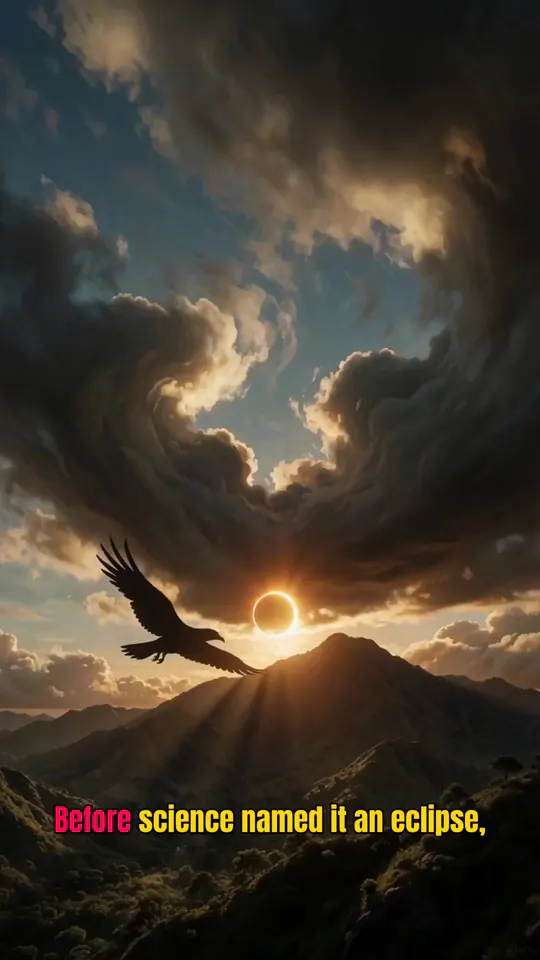
A real VidPost video from a related niche (mythology), made the same way.
How it works
- 01
Pick an angle
Type a one-line idea, or start from one of the example Movie Recaps hooks below. VidPost writes the script from it, with a hook up front and a payoff at the end.
- 02
Choose a voice
Pick a narrator from 100+ voices. You never record a thing.
- 03
Picture each scene
Each scene gets a picture made for it, sized for a vertical screen, in the image style you pick.
- 04
Captions and music
Captions are timed word by word to the narration, and you can add a music track made for the video.
- 05
Post on a schedule
Download the video, or set up a Series and new episodes post to your accounts on the days you pick.
What a finished VidPost video looks like
A real VidPost video from a related niche (mythology), made the same way, and example openings for movie recaps.
Movie Recaps FAQ
Still unsure? Email us
Does VidPost use actual movie clips?
No. VidPost makes original AI visuals for your recap instead of using studio footage, so no film clips end up in your video.
Can I control how much of the plot gets spoiled?
Yes. Edit the script before it renders and hold back as much of the ending as you like.
Can I recap TV episodes too?
Yes, the topic and script format work the same for a single episode, a season arc or a full movie summary.
How do I keep a consistent recap style across episodes?
Set your tone, format and point of view once in a topic profile, and every script a Series generates will follow that same structure.
Start your movie recaps channel today
Series write and post new episodes for you on a schedule. They start on the Starter plan.
Your first video is free, no card needed